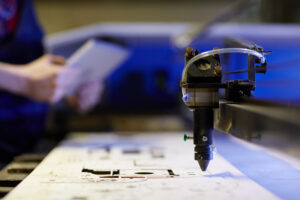
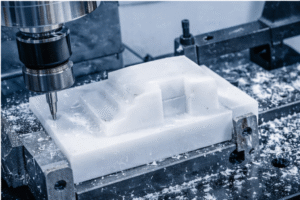
Manufyn optimizes toolpaths to reduce cycle time.
CNC toolpath optimization is one of the most effective ways to improve machining efficiency without changing machines or materials. A CNC toolpath defines how a cutting tool moves through material. However, when that toolpath is not optimized, it leads to longer cycle times, uneven tool wear, and unnecessary machining costs.
By optimizing CNC toolpaths, manufacturers reduce air cutting, maintain consistent tool engagement, and achieve better surface finishes. As a result, parts are produced faster, tools last longer, and dimensional accuracy improves across batches. In short, a well-optimized CNC toolpath directly impacts productivity, quality, and cost control.
This guide explains how CNC toolpath optimization works, what it actually means in practical machining terms, and how to apply it effectively using modern CNC toolpath software and generators.
What CNC Toolpath Optimization Means
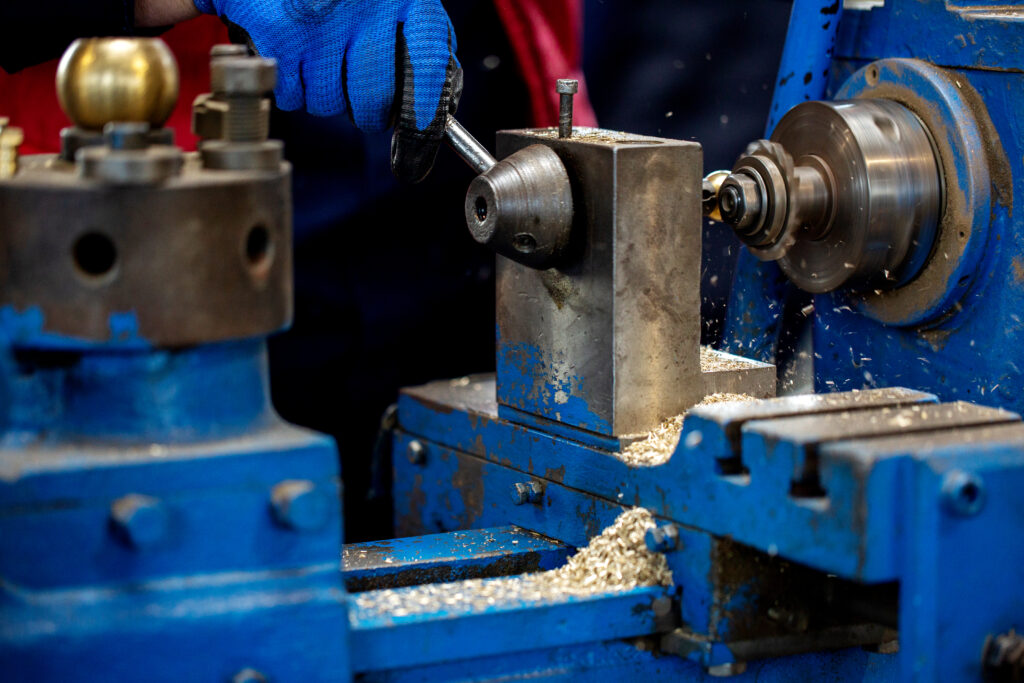
CNC toolpath optimization means refining the path a cutting tool follows to remove material in the most efficient and controlled way possible. Instead of simply generating a basic toolpath, optimization focuses on how the tool engages with the material throughout the entire operation.
At its core, an optimized CNC toolpath aims to:
- Reduce unnecessary tool movement
- Maintain a consistent cutting load
- Minimize sudden changes in direction or depth
- Balance speed with tool life and accuracy
Unlike basic toolpaths for CNC, optimized toolpaths are designed to keep the tool cutting smoothly and predictably. For example, rather than repeatedly entering and exiting the material, an optimized toolpath CNC strategy keeps the cutter engaged for longer, controlled passes.
Moreover, CNC toolpath optimization is not about pushing maximum feed rates. Instead, it is about creating stable, repeatable tool motion. This stability reduces tool deflection, lowers heat buildup, and improves surface finish.
Modern CNC toolpath software and CNC toolpath generators make this process easier by analyzing engagement angles, step-over values, and linking moves automatically. However, the goal remains the same: generate toolpaths for CNC that remove material efficiently while protecting both the tool and the part.
In practical terms, CNC toolpath optimization transforms machining from a simple cutting process into a controlled, production-ready operation.
Struggling with long CNC cycle times or tool wear?
Talk to Manufyn about optimized CNC toolpaths for production-ready machining.
Why CNC Toolpaths Need Optimization
Even a correctly generated CNC toolpath is not always an efficient one. In many cases, default toolpaths for CNC prioritize completion over performance. As a result, they often introduce avoidable inefficiencies that affect time, cost, and quality.
CNC toolpath optimization addresses these issues by refining how the tool moves, cuts, and transitions throughout the machining process.
1. Reduced Cycle Time
One of the primary reasons to optimize a CNC toolpath is to reduce machining time. Poorly optimized toolpaths include excessive retracts, long linking moves, and unnecessary air cutting. Consequently, machines spend more time moving than cutting.
By optimizing the toolpath CNC strategy, the tool stays engaged with material longer and follows shorter, more direct paths. This directly reduces cycle time without increasing cutting risk.
2. Improved Tool Life
Unoptimized CNC toolpaths often cause sudden changes in tool load. For example, full-width cuts, sharp direction changes, or aggressive entry moves increase stress on the tool. Over time, this leads to premature wear or tool failure.
Optimized CNC toolpaths maintain consistent tool engagement. As a result, cutting forces remain stable, heat buildup is reduced, and tools last longer.
3. Better Surface Finish and Accuracy
Toolpath behavior has a direct impact on part quality. Irregular engagement and inconsistent step-over values can cause vibration, chatter, and tool deflection. These issues negatively affect surface finish and dimensional accuracy.
When toolpaths for CNC are optimized, the cutting tool moves smoothly and predictably. This stability improves surface finish and helps maintain tight tolerances across repeated runs.
4. Lower Overall Machining Cost
Although CNC toolpath optimization does not change material or machine rates, it reduces cost indirectly. Faster cycle times, longer tool life, and fewer rejected parts all contribute to lower per-part cost.
In production environments, these gains compound quickly. Therefore, optimizing CNC toolpaths becomes a critical step for scalable and cost-efficient manufacturing.
How to Optimize CNC Toolpaths – Practical Steps
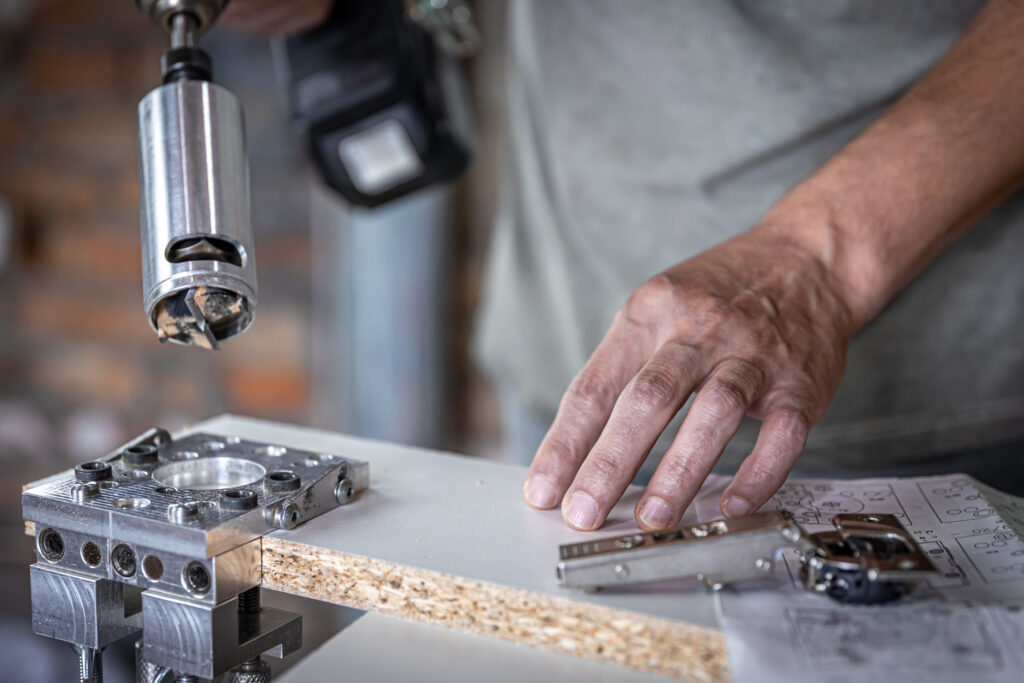
CNC toolpath optimization becomes effective only when applied systematically. Rather than changing everything at once, optimization should focus on a few high-impact improvements that control tool movement, engagement, and efficiency.
Below are practical steps used to optimize CNC toolpaths for real production environments.
1. Minimize Air Cutting
Air cutting occurs when the tool moves without removing material. Although unavoidable in some cases, excessive air cutting increases cycle time without adding value.
To reduce air cutting:
- Optimize toolpath ordering to cut nearby features consecutively
- Reduce unnecessary retracts between passes
- Shorten linking moves wherever possible
By keeping the tool closer to the workpiece, optimized toolpaths for CNC maintain productive cutting for a larger portion of the cycle.
2. Maintain Constant Tool Engagement
Sudden changes in tool engagement are one of the biggest causes of tool wear and instability. When engagement spikes, cutting forces increase rapidly.
Optimized CNC toolpaths control engagement by:
- Limiting radial depth of cut
- Avoiding full-width slotting where possible
- Using adaptive or constant engagement strategies
As a result, cutting becomes smoother, and higher feed rates can be used safely.
3. Optimize Step-Over and Step-Down Values
Step-over and step-down directly affect tool load and machining time. Large values remove material quickly but increase stress, while smaller values improve stability but extend cycle time.
Effective CNC toolpath optimization finds a balance:
- Moderate step-over for roughing
- Controlled step-down to limit deflection
- Consistent values across the toolpath
This balance improves efficiency while protecting both the tool and the part.
4. Improve Entry and Exit Moves
The way a tool enters and exits material has a significant impact on tool life. Direct plunges or abrupt exits introduce shock and vibration.
Optimized toolpath CNC strategies use:
- Ramping entries
- Helical lead-ins
- Smooth lead-outs
These controlled moves allow gradual engagement and reduce tool stress.
5. Refine Linking and Transition Moves
Linking moves connect individual cutting passes. Poorly optimized linking causes frequent lifts and long travel paths.
By refining transitions:
- The tool stays engaged longer
- Non-cutting motion is reduced
- Cycle time decreases
Modern CNC toolpath software and generators help automate this process, but manual review remains essential for high-value parts.
Have a part design ready?
Share your CAD files and let Manufyn optimize the CNC toolpath before machining.
Key Variables That Control CNC Toolpath Performance
CNC toolpath optimization is not guesswork. It depends on a small set of controllable variables that directly influence how efficiently a tool removes material. When these variables are tuned correctly, toolpaths for CNC become faster, smoother, and more reliable.
Below are the most critical variables that affect CNC toolpath performance.
1. Tool Engagement Angle
Tool engagement refers to how much of the cutting tool is in contact with the material at any moment. Large or sudden engagement changes increase cutting forces and heat. As a result, tools wear faster and become unstable.
Optimized CNC toolpaths control engagement by limiting radial contact. This creates smoother cutting action and prevents load spikes.
2. Step-Over
Step-over defines how much material the tool removes sideways during each pass. Excessive step-over increases tool load, while very small step-over increases machining time.
For effective CNC toolpath optimization, step-over must balance cutting efficiency with tool stability. Consistent step-over values also improve surface finish during finishing operations.
3. Step-Down
Step-down controls how deep the tool cuts axially in each pass. Large step-down values can cause tool deflection, especially in deep pockets or hard materials.
Optimized toolpaths CNC strategies use controlled step-downs to maintain rigidity. This improves accuracy and reduces the risk of tool breakage.
4. Entry and Exit Strategy
How a tool enters and exits material has a major impact on tool life. Direct plunges or sharp entries introduce sudden load and shock.
Optimized CNC toolpaths use ramping or helical entries instead. These methods allow gradual engagement, which reduces stress and improves cutting stability.
6. Linking and Transition Moves
Linking moves connect one cutting pass to the next. Poorly optimized linking causes unnecessary retracts, long travel moves, and excess air cutting.
By refining linking and transition moves, CNC toolpath software helps keep the tool closer to the workpiece. As a result, machining time decreases without sacrificing safety.
7. Feed Rate Consistency
Inconsistent feed rates cause uneven cutting forces. Sudden accelerations or decelerations can leave marks on the part and reduce tool life.
Optimized toolpaths for CNC maintain smooth, consistent feed rates. This leads to predictable cutting behavior and improved surface quality.
CNC Toolpath Strategies That Improve Efficiency
Not all toolpaths for CNC are equally efficient. While basic toolpaths remove material successfully, optimized strategies focus on how material is removed over time. The right CNC toolpath strategy reduces cutting load, shortens cycle time, and improves consistency.
Below are the most effective CNC toolpath strategies used for optimization.
Conventional Toolpaths vs Optimized Toolpaths
Conventional CNC toolpaths often use simple back-and-forth or offset patterns. Although easy to generate, these paths create frequent changes in tool engagement. As a result, cutting forces fluctuate, leading to uneven tool wear and longer machining time.
Optimized CNC toolpaths, on the other hand, are designed to keep engagement stable. Instead of forcing the tool into full-width cuts, the path adapts to geometry and maintains controlled contact throughout the operation.
Adaptive (Constant Engagement) Toolpaths
Adaptive toolpaths are one of the most effective ways to optimize CNC toolpaths. These paths maintain a constant tool engagement angle as the cutter moves through the material.
Because engagement remains stable:
- Cutting forces are predictable
- Heat buildup is reduced
- Higher feed rates can be used safely
As a result, adaptive CNC toolpaths significantly reduce cycle time while extending tool life. They are especially effective for roughing operations and complex pocket geometries.
Rest Machining Toolpaths
Rest machining focuses only on areas where material remains after a previous operation. Instead of re-cutting the entire surface, the CNC toolpath targets leftover material using a smaller or different tool.
This strategy improves efficiency by:
- Eliminating unnecessary passes
- Reducing air cutting
- Shortening finishing operations
When combined with adaptive roughing, rest machining creates highly optimized toolpaths for CNC production.
Separate Toolpaths for Roughing and Finishing
Using the same CNC toolpath for roughing and finishing is a common mistake. Roughing toolpaths should prioritize material removal, while finishing toolpaths should focus on surface quality and accuracy.
Optimized CNC toolpaths separate these operations. Roughing removes bulk material efficiently, while finishing uses lighter cuts and consistent step-over values to achieve the desired finish.
Get faster, more reliable CNC machining with optimized toolpaths.
Start your project with Manufyn today.
Using CNC Toolpath Software for Optimization
CNC toolpath optimization is significantly easier and more consistent when supported by the right software. While manual adjustments are possible, CNC toolpath software and CNC toolpath generators automate many optimization decisions that would otherwise be time-consuming or error-prone.
However, the value of software lies not in generating toolpaths, but in optimizing them.
How CNC Toolpath Software Improves Toolpaths
Modern CNC toolpath software analyzes how the cutting tool interacts with material throughout the operation. Instead of applying fixed patterns, the software adapts the toolpath based on engagement, geometry, and transitions.
Key optimization benefits include:
- Automatic control of tool engagement angles
- Smoother feed rate transitions
- Reduced air cutting through optimized linking moves
As a result, toolpaths for CNC become more efficient and predictable.
CNC Toolpath Generator Features That Matter for Optimization
Not all CNC toolpath generators contribute equally to optimization. The most useful features are those that directly affect cutting efficiency and tool stability.
Important capabilities include:
- Adaptive or constant engagement toolpath generation
- Accurate material removal simulation
- Collision detection for safe linking and transitions
- Feed rate smoothing to prevent sudden load changes
These features help generate optimized CNC toolpaths that perform reliably in real machining conditions.
Why Software Still Needs Engineering Judgment
Although CNC toolpath software automates many decisions, it does not replace engineering oversight. Default settings may not align with production goals, tool limitations, or part geometry.
Therefore, effective CNC toolpath optimization combines software-generated paths with engineering review. This ensures that toolpaths CNC strategies match real-world machining constraints and quality requirements.
Common CNC Toolpath Optimization Mistakes to Avoid
Even well-generated CNC toolpaths can underperform if key optimization principles are missed. Most issues arise from small oversights that compound during machining.
1. Optimizing Feed Rates Without Controlling Engagement
Increasing feed rates alone often increases cutting forces and tool wear. Optimized CNC toolpaths balance feed rate with consistent tool engagement for stable cutting.
2. Using One Toolpath for Roughing and Finishing
Roughing and finishing require different CNC toolpath strategies. Combining them reduces efficiency and affects surface finish. Optimized toolpaths for CNC always separate these operations.
3. Ignoring Linking and Entry Moves
Unoptimized linking, plunging, and exits create excess air cutting and tool shock. Refining these moves is a simple but effective CNC toolpath optimization step.
4. Skipping Toolpath Simulation
Without simulation, toolpaths CNC strategies may cause collisions or uneven cutting. Simulation validates optimization before machining begins.
Looking to reduce cycle time without compromising quality?
Get production-ready CNC machining with optimized toolpaths from Manufyn.
CNC Toolpath Optimization Checklist
Use this checklist to quickly evaluate whether your CNC toolpaths are optimized for efficiency, tool life, and production stability.
- Tool engagement remains consistent throughout the CNC toolpath
- Air cutting and unnecessary retracts are minimized
- Step-over and step-down values are balanced for speed and stability
- Entry and exit moves use ramping or helical strategies
- Roughing and finishing toolpaths are clearly separated
- Linking and transition moves are optimized to reduce non-cutting time
- Toolpaths for CNC are simulated and validated before machining
When these conditions are met, CNC toolpath optimization leads to shorter cycle times, longer tool life, and more predictable part quality.
How Manufyn Optimizes CNC Toolpaths for Production
At Manufyn, CNC toolpath optimization is treated as a production decision, not just a CAM setting. Toolpaths are optimized based on part geometry, tolerance requirements, and expected production volume.
Before machining begins, CNC toolpaths are reviewed to ensure consistent tool engagement, minimal air cutting, and stable entry and exit moves. This approach reduces cycle time while protecting tool life and part accuracy.
For batch and mass production, toolpaths for CNC are further refined to improve repeatability and cost efficiency. Every optimized CNC toolpath is simulated and validated to prevent collisions, reduce rework, and ensure predictable machining outcomes.
The result is production-ready CNC machining that balances speed, quality, and cost—without compromising reliability.
FAQs on CNC Toolpath Optimization
What is a CNC toolpath?
A CNC toolpath defines the exact path a cutting tool follows to remove material from a workpiece. A well-designed CNC toolpath controls tool movement, engagement, and cutting direction to ensure efficient and accurate machining.
How does CNC toolpath optimization reduce machining cost?
CNC toolpath optimization reduces cost by minimizing air cutting, shortening cycle time, and extending tool life. Optimized toolpaths for CNC also reduce rework and scrap, which directly lowers per-part manufacturing cost.
What is the difference between a basic CNC toolpath and an optimized CNC toolpath?
A basic CNC toolpath focuses only on completing the cut. An optimized CNC toolpath focuses on how the cut happens—maintaining consistent tool engagement, smoother transitions, and controlled cutting forces throughout the operation.
What role does CNC toolpath software play in optimization?
CNC toolpath software helps generate optimized toolpaths by controlling engagement angles, feed rate transitions, and linking moves. Advanced CNC toolpath software and generators enable adaptive and constant-engagement strategies that are difficult to achieve manually.
Is a CNC toolpath generator enough for production machining?
A CNC toolpath generator can create toolpaths, but production machining still requires engineering review. At Manufyn, generated CNC toolpaths are validated and adjusted to match part geometry, tooling, and production volume requirements.
Which CNC toolpaths are best for reducing cycle time?
Adaptive or constant engagement toolpaths are most effective for reducing cycle time. These CNC toolpaths keep the tool cutting continuously with stable loads, allowing higher feed rates without increasing wear.
Can optimized CNC toolpaths improve surface finish?
Yes. Optimized toolpaths for CNC reduce vibration, tool deflection, and inconsistent engagement. This leads to smoother cutting action and improved surface finish, especially during finishing operations.
How does Manufyn optimize CNC toolpaths for customers?
Manufyn optimizes CNC toolpaths by aligning CAM strategy with part geometry, tolerance requirements, and production scale. Each toolpath CNC strategy is reviewed, simulated, and validated before machining to ensure efficiency, quality, and repeatability.
Not sure if your CNC toolpaths are optimized?
Share your part design and let Manufyn review and optimize the toolpath before production.